For the complete documentation index, see llms.txt. Markdown versions of documentation pages are available by appending .md to page URLs.
Skip to content

Create a Custom Proxy Pool

Generate a Residential custom pool using multiple selected countries.

A custom pool lets you generate Residential proxies using multiple selected countries in one proxy list.

Available countries and custom-pool behavior depend on the selected Residential provider.

1

Select the proxy pool

Open the Residential dashboard and select the required Proxy Pool or provider.
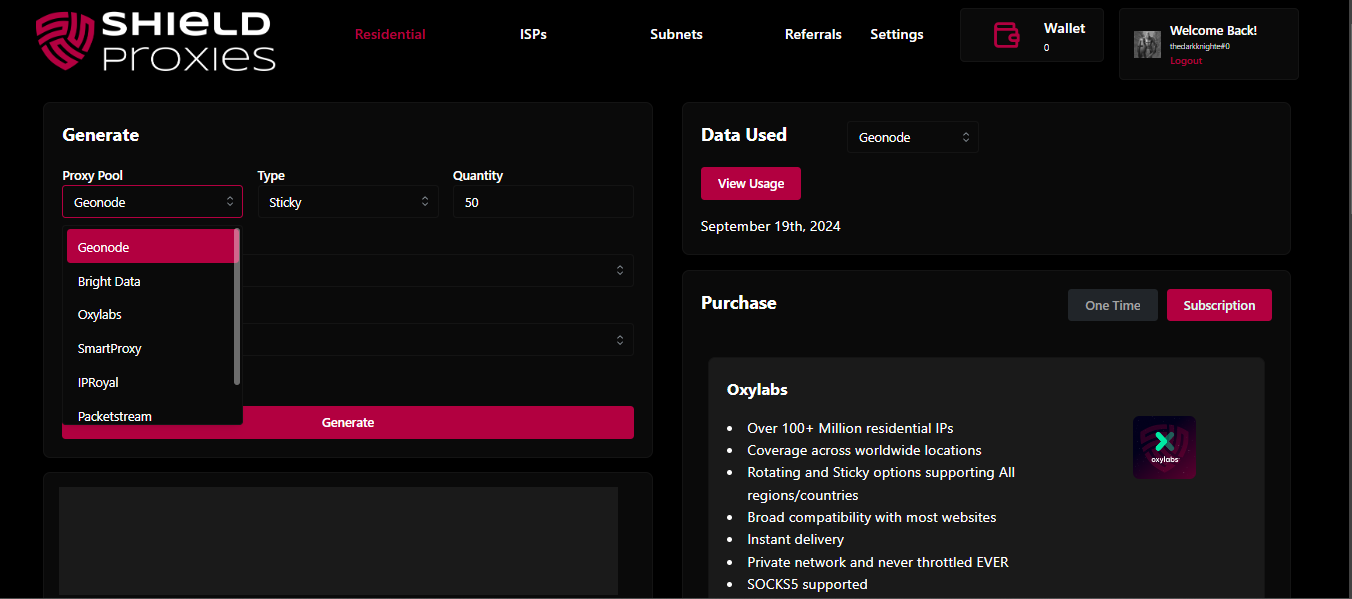
Proxy pool selection
Select the Residential provider or proxy pool
2

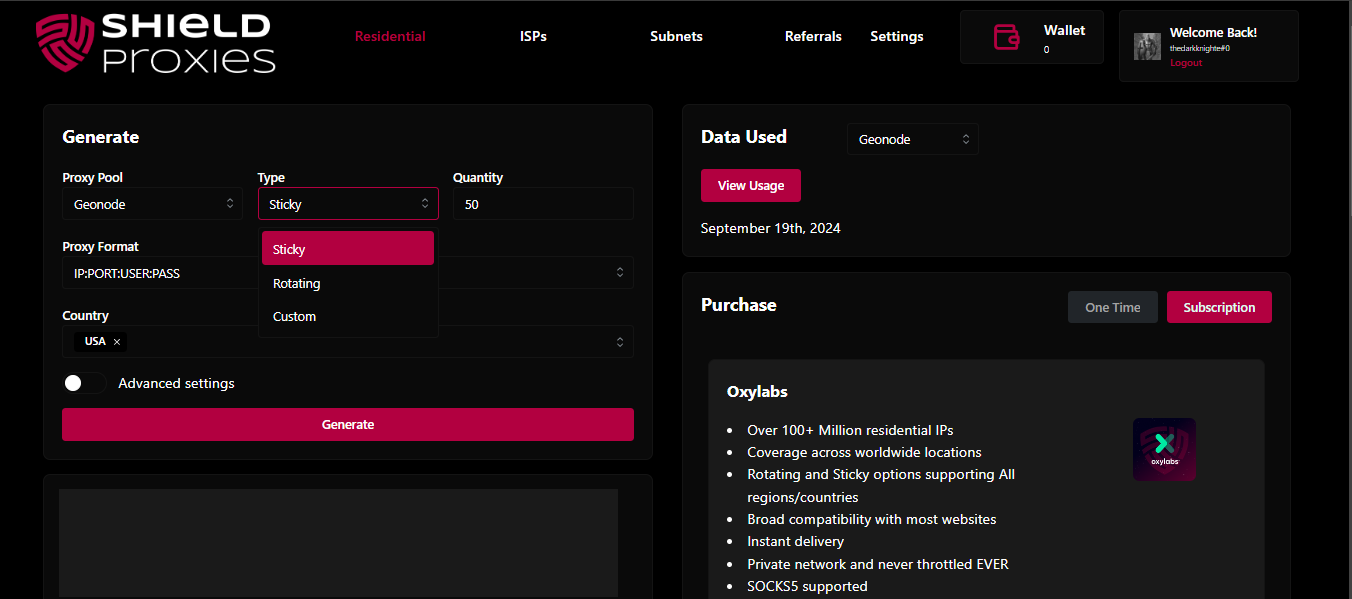
Choose Custom

Select Custom as the proxy type where that option is available.

Custom proxy type
Select Custom as the proxy type
3

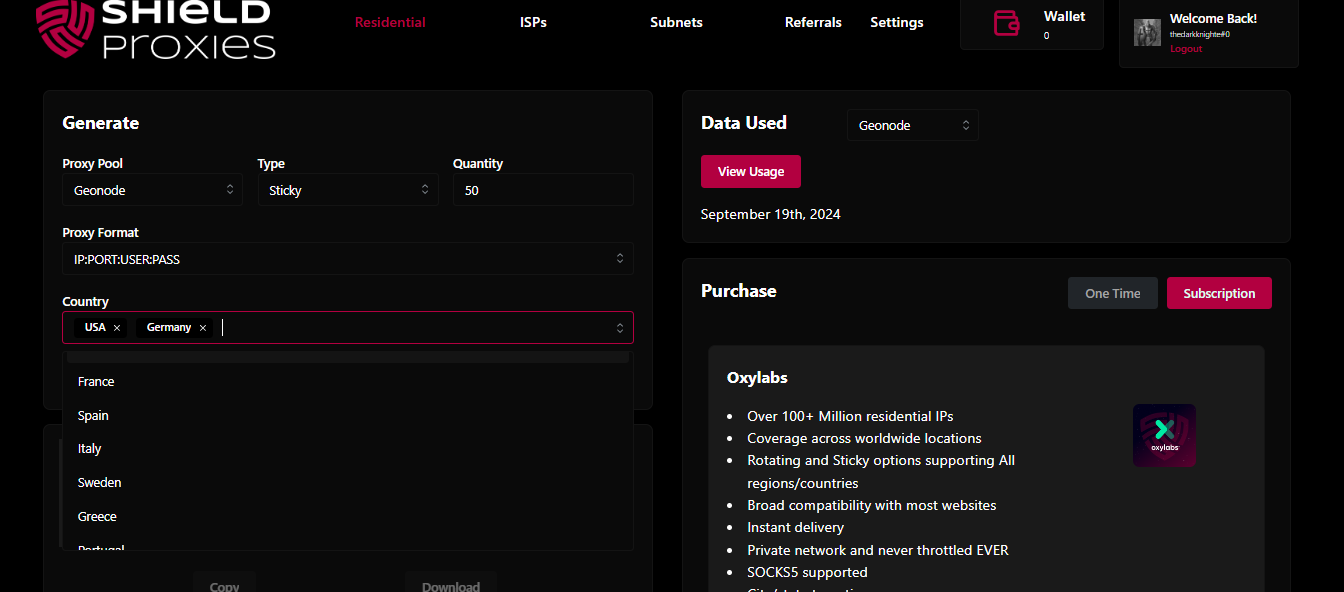
Select countries

Choose the countries you want included in the pool.

Country selection
Select the countries to include in the custom pool
4

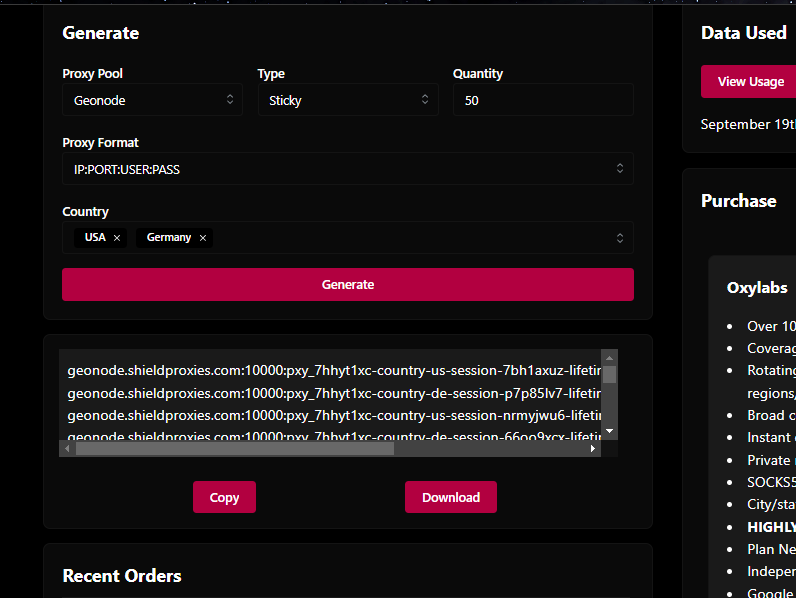
Generate the pool

Click Generate to create the proxy list.

Generate custom proxy pool
Generate the completed custom pool

Last updated