> For the complete documentation index, see [llms.txt](https://docs.shieldproxies.com/llms.txt). Markdown versions of documentation pages are available by appending `.md` to page URLs; this page is available as [Markdown](https://docs.shieldproxies.com/residential-proxy-guides/residentials-proxy-generation.md).
# Residentials Proxy Generation
## Residential Proxy Generation
There is currently one method to generate Shield residential proxy lists, available in the Residential section of our dashboard.\
\
**Proxy Generation via dashboard -** [**https://dashboard.shieldproxies.com/residential**](https://dashboard.shieldproxies.com/residential)\
\
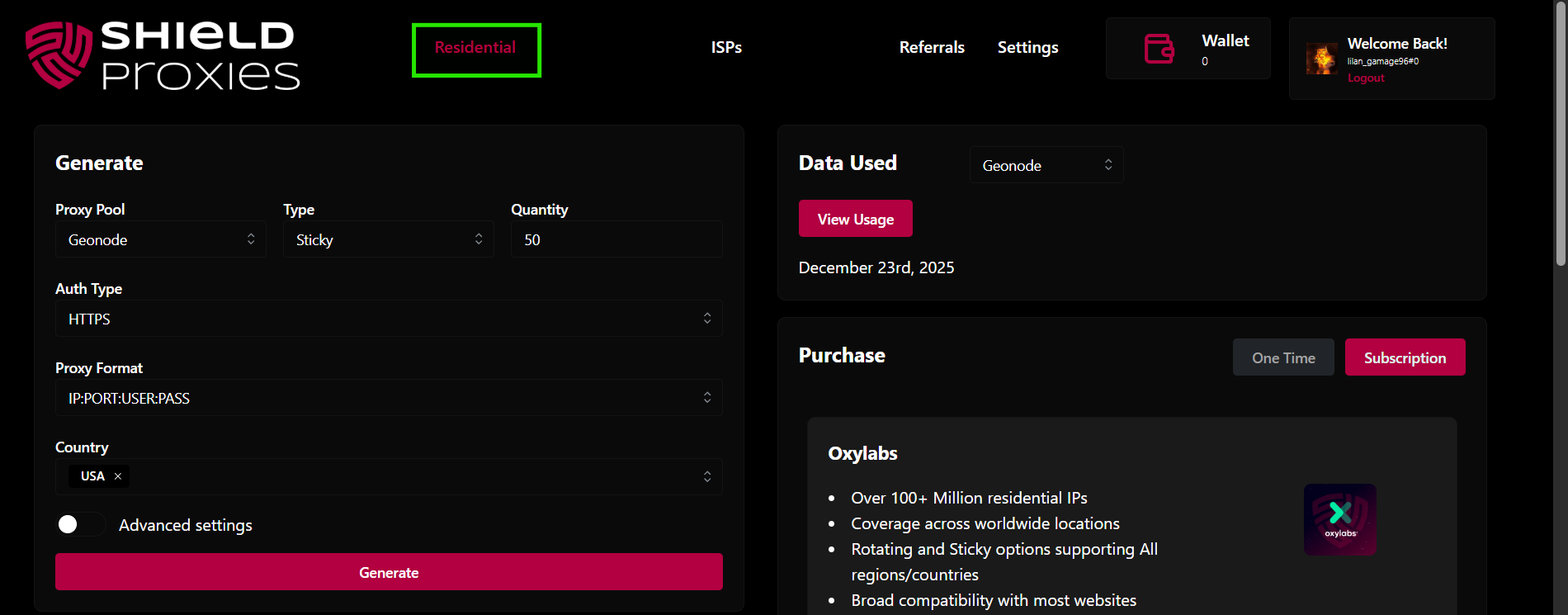
1\. Start by navigating to the Residential section within your dashboard
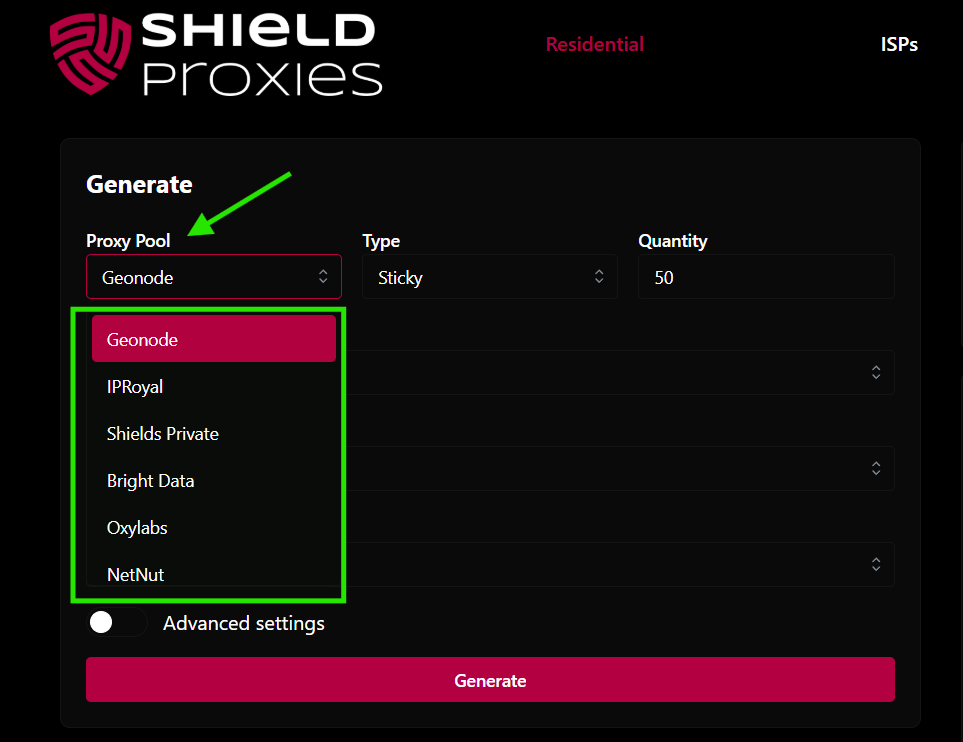
2. Make sure you have selected the correct purchased Residential plan from the dropdown menu in the dashboard.
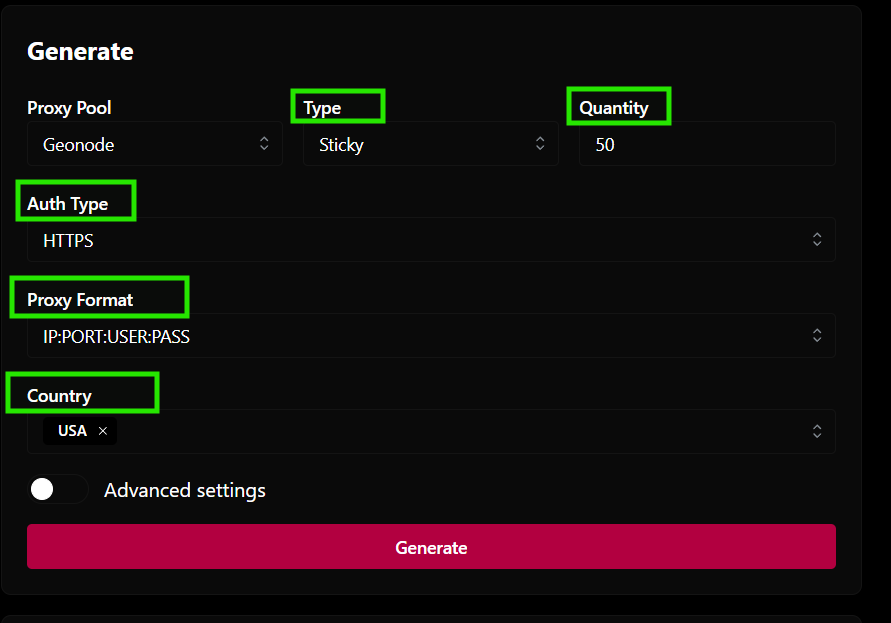
3. Choose configuration\
\- Under Type, Select Sticky or Rotating or Custom\
\- Under Quantity, select the number of proxies needed\
\- Authentication (HTTPS/ SOCKS5)\
\- Proxy Format\
\- Select the country / city / state\
4. **Click Generate!**