> For the complete documentation index, see [llms.txt](https://docs.shieldproxies.com/llms.txt). Markdown versions of documentation pages are available by appending `.md` to page URLs; this page is available as [Markdown](https://docs.shieldproxies.com/getting-started/join-shield-proxies-discord.md).
# Join the Shield Proxies Discord
Join the official Shield Proxies Discord server and complete the initial server setup.
Shield Proxies uses Discord for community updates, customer support, and dashboard identity/access.
{% stepper %}
{% step %}
### Open the Discord invite
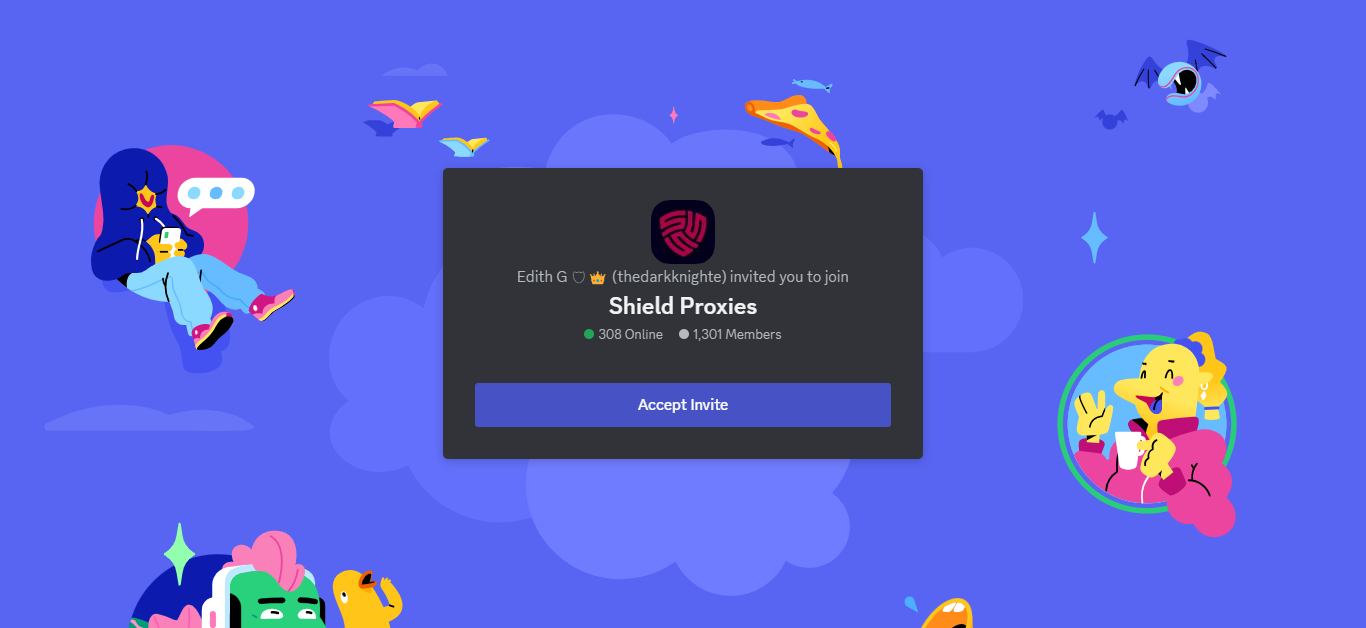
Open the [Shield Proxies Discord invite](https://discord.gg/65mvbJ43NP) and click **Accept Invite**.
Shield Proxies Discord invite
{% endstep %}
{% step %}
### Read the server rules
Review the server rules before continuing.
{% endstep %}
{% step %}
### Complete onboarding
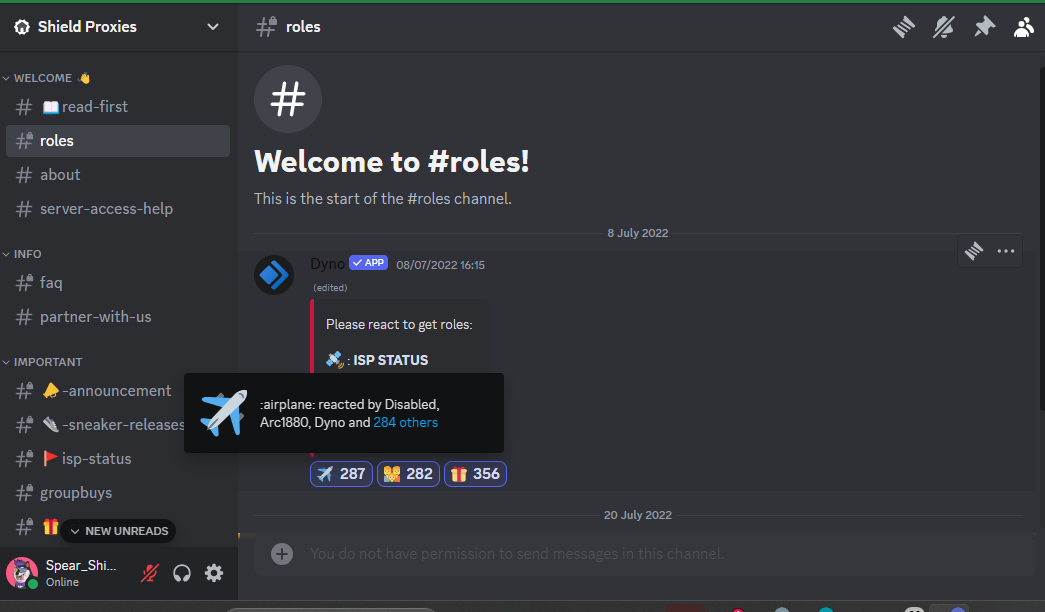
Complete the server onboarding and select any required roles to access the relevant channels.
Discord role selection
{% endstep %}
{% step %}
### Log in to the dashboard
After Discord is ready, continue to [Log In to the Shield Proxies Dashboard](https://docs.shieldproxies.com/getting-started/log-in-to-the-shield-proxies-dashboard.md) using your Discord account.
{% endstep %}
{% endstepper %}
If you need help after joining, [open a support ticket](https://docs.shieldproxies.com/support-and-community/open-support-ticket.md).