

Join the Shield Proxies Discord
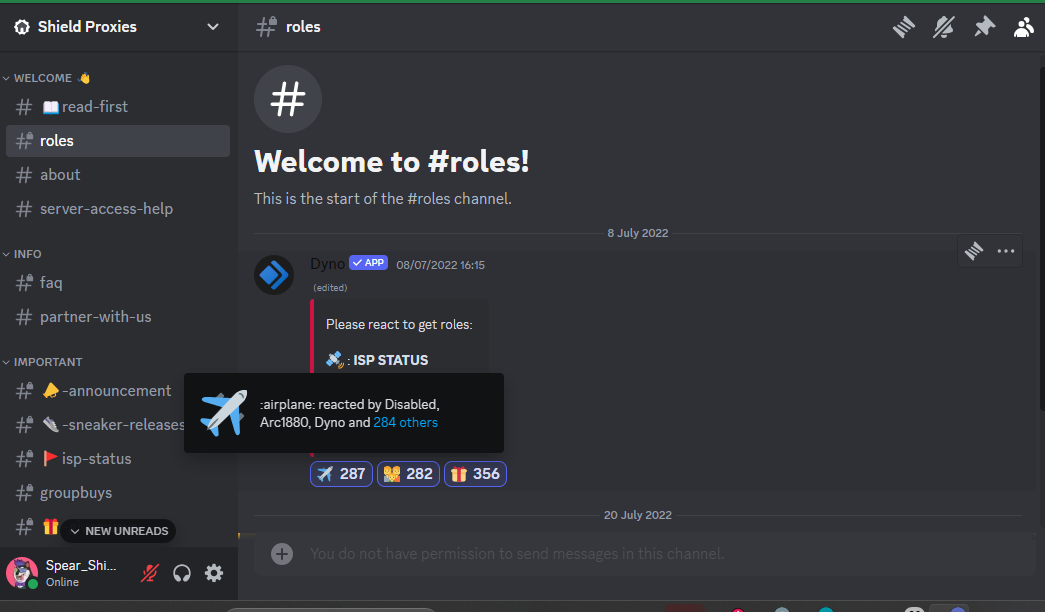
Join the official Shield Proxies Discord server and complete the initial server setup.
Shield Proxies uses Discord for community updates, customer support, and dashboard identity/access.
1
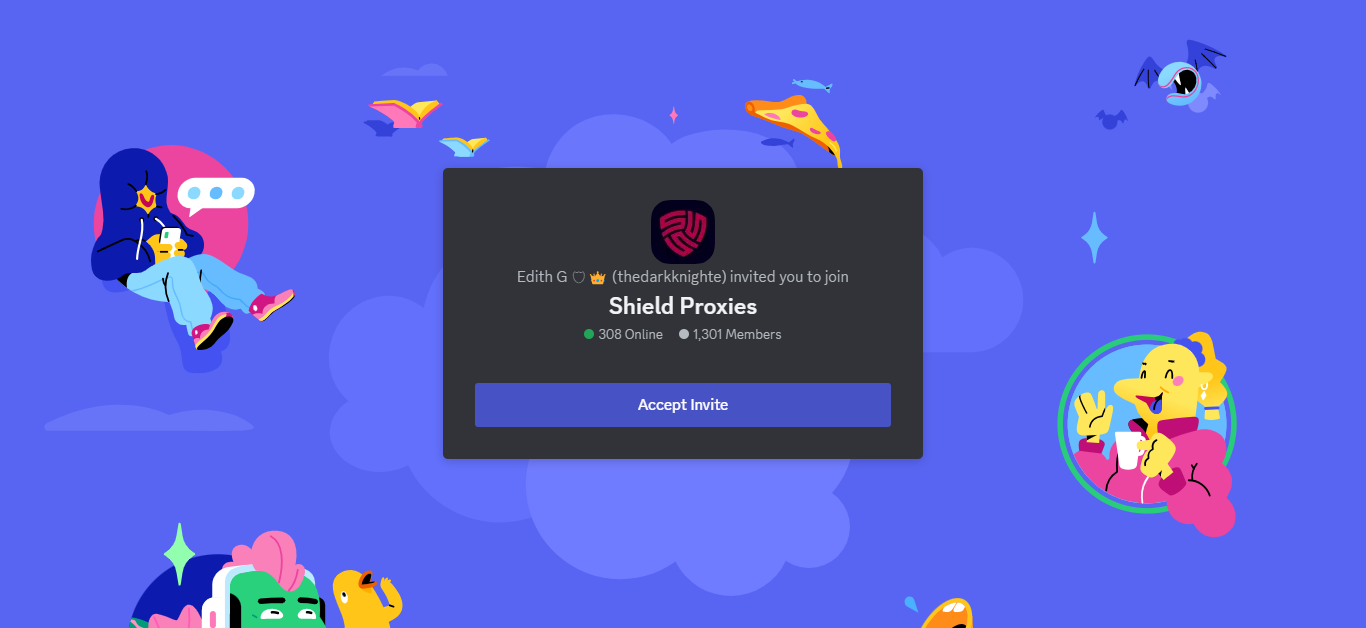
Open the Discord invite
Open the Shield Proxies Discord invite and click Accept Invite.
3
4
Log in to the dashboard
After Discord is ready, continue to Log In to the Shield Proxies Dashboard using your Discord account.
If you need help after joining, open a support ticket.
Last updated