
Check Residential Proxy Usage
Check Residential proxy data usage and remaining balance in the Shield Proxies dashboard.
Use the customer dashboard to review Residential proxy data usage and your remaining balance.
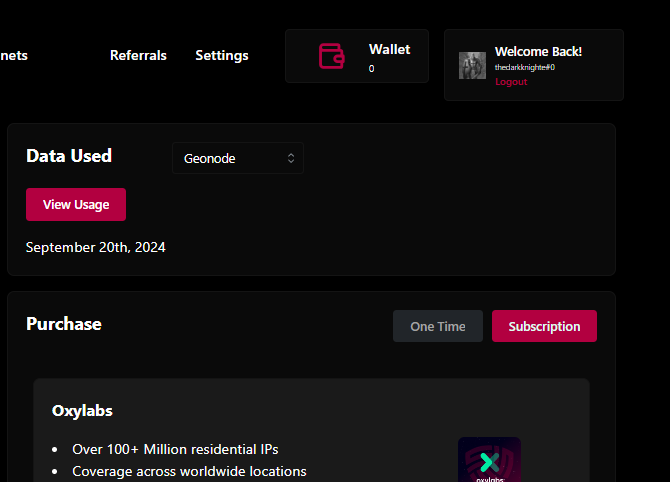
1. Open usage
Open the Residential dashboard, then click View Data Usage.
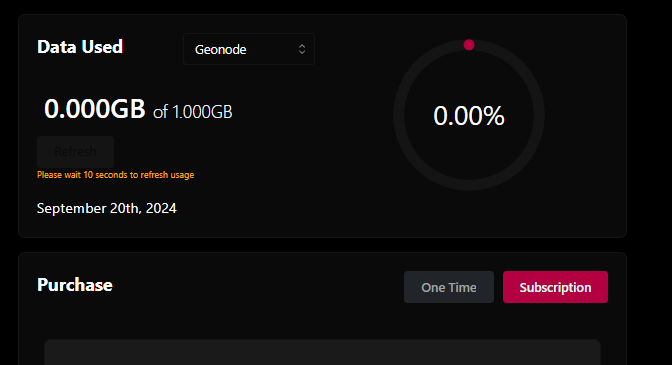
2. Review your balance
Review the usage information shown for your Residential proxy data.
The same number of tasks does not always consume the same amount of data. Response sizes, retries, redirects, background traffic and provider/application behavior can all affect usage. See Understanding Residential Data Usage.
Related guides
Last updated